Single
$9a month
Billed $108 a year
- Your own dashboard
- 300 report pages a month
- 30 files, up to 50 pages each
medk.AI reads every page of your lab results, scans and letters, and puts them in one place: what needs attention, what each result means, and what to ask your doctor.
The example is the real app, filled with made-up results.
What it does
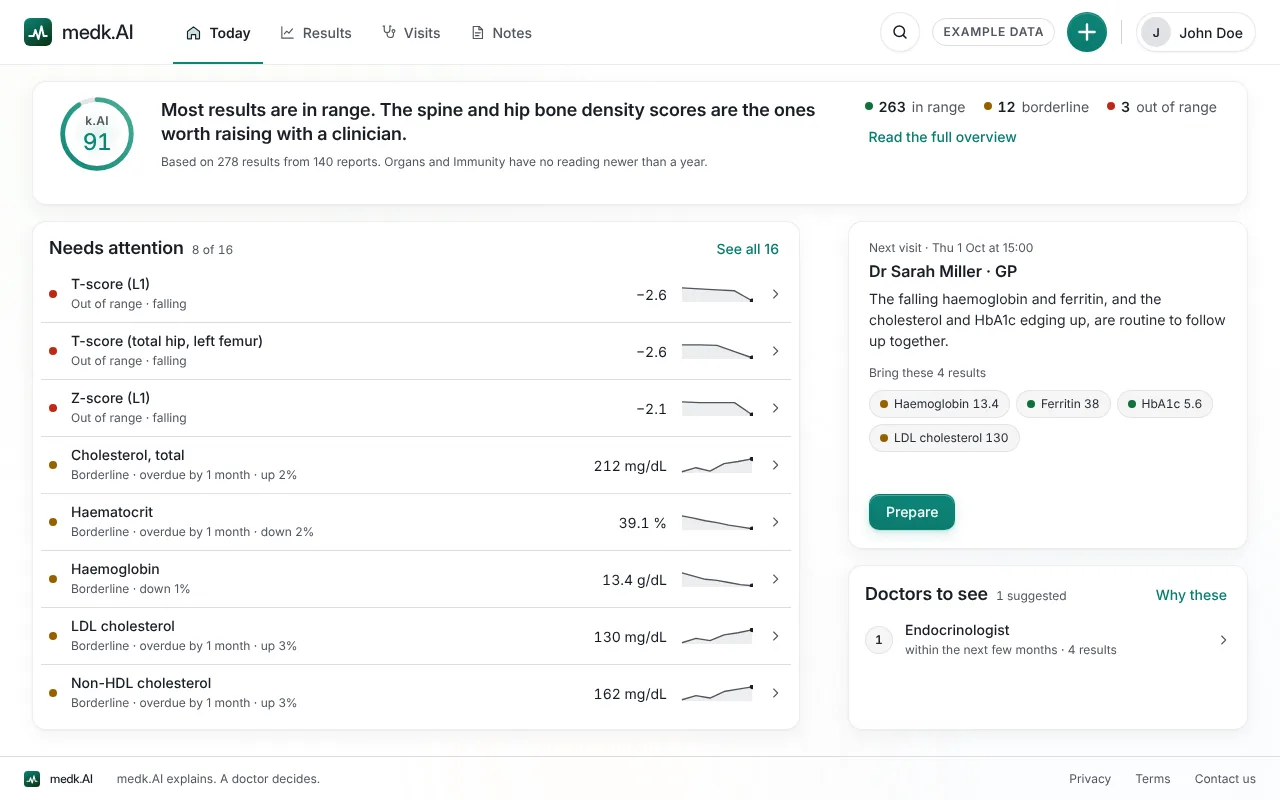
Today
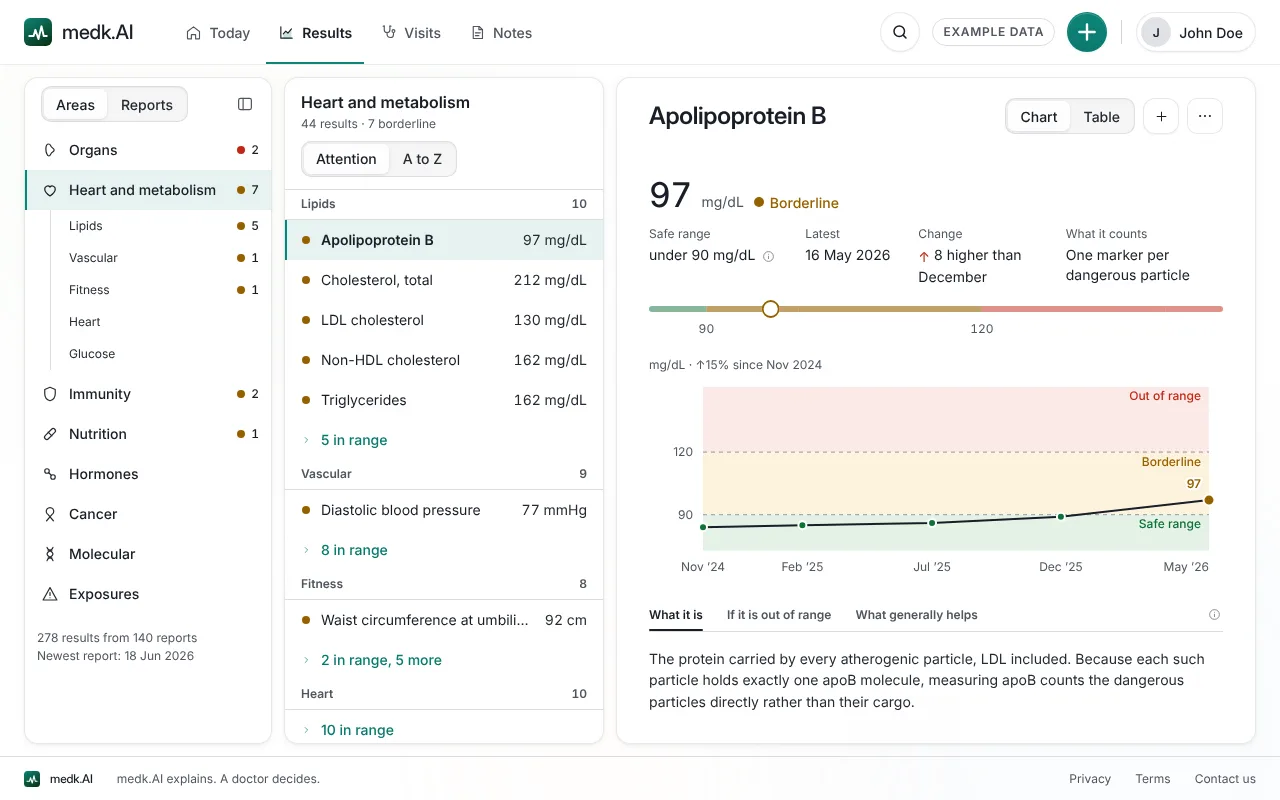
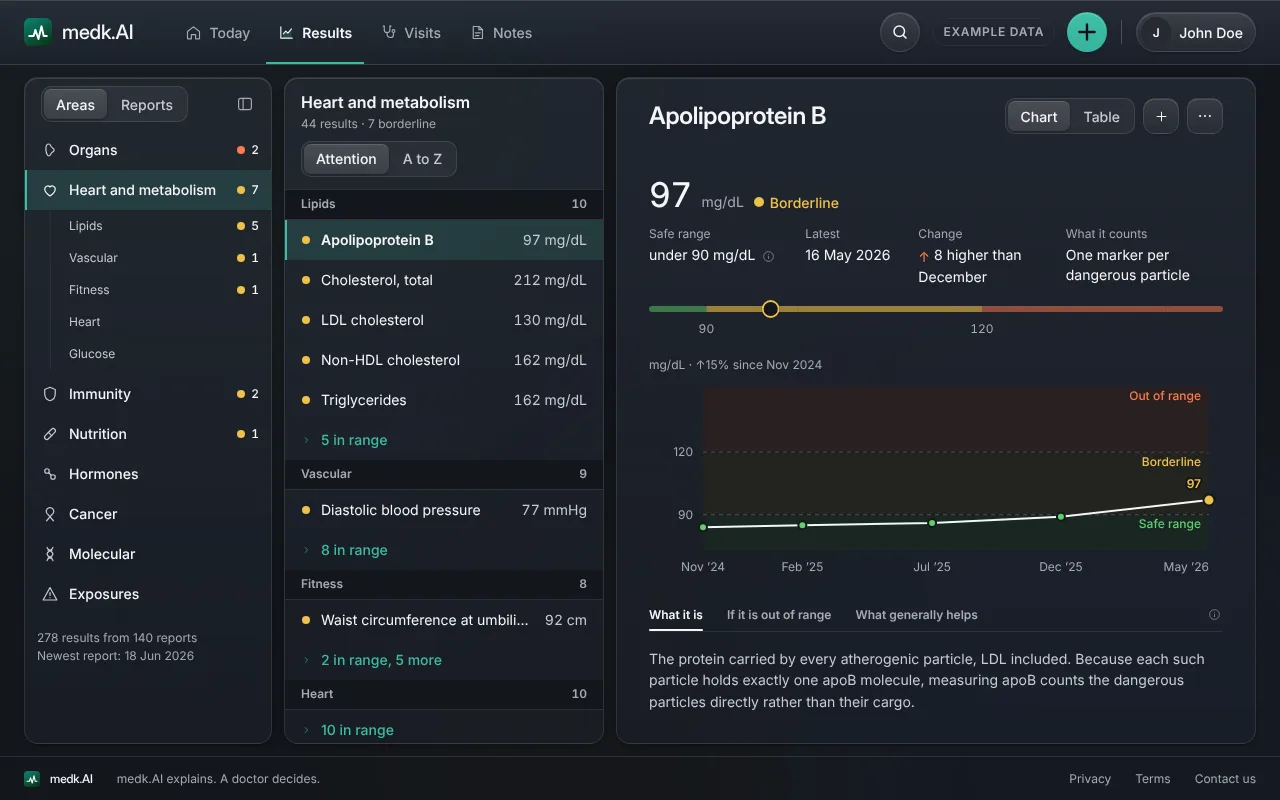
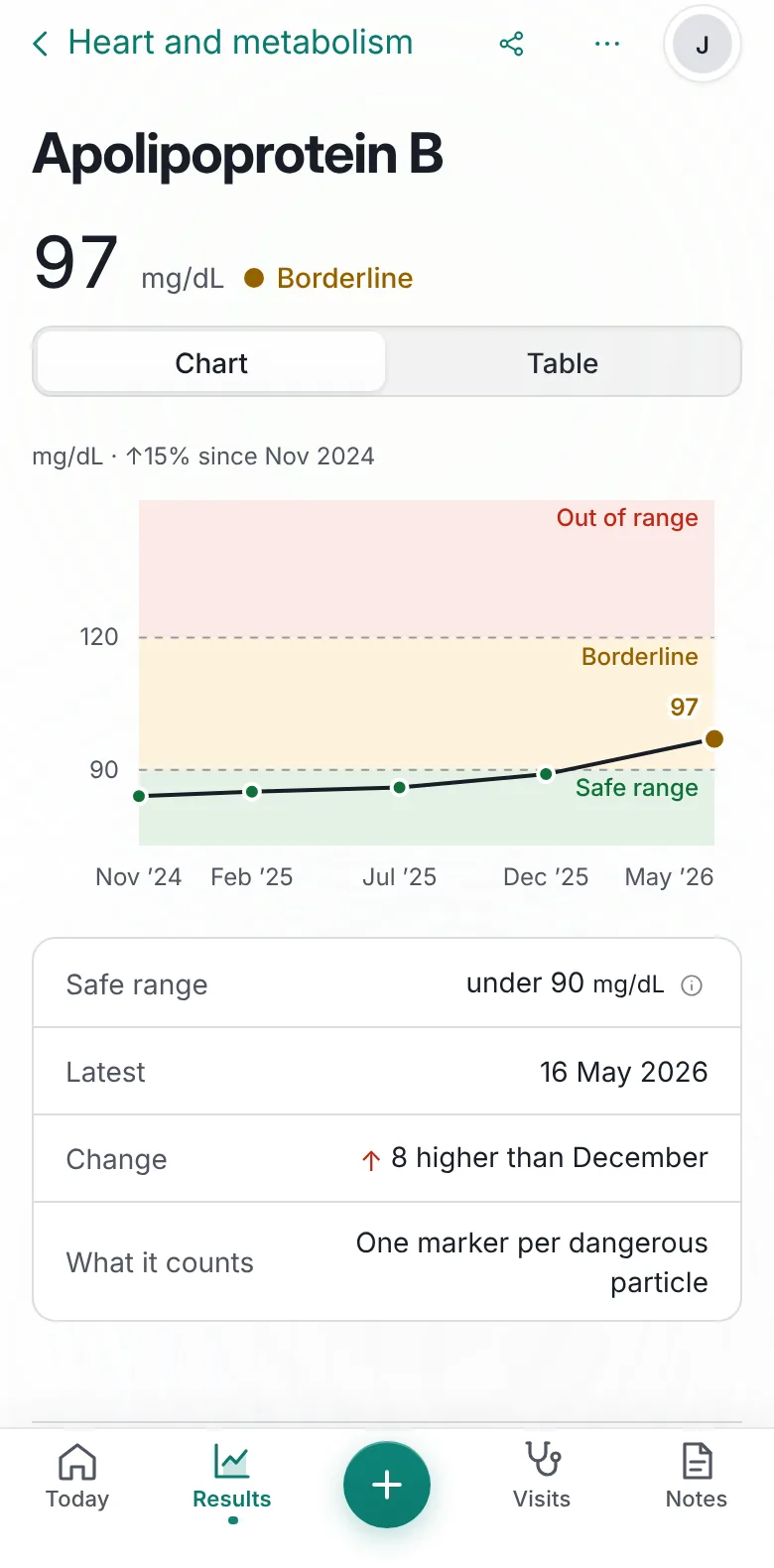
Results
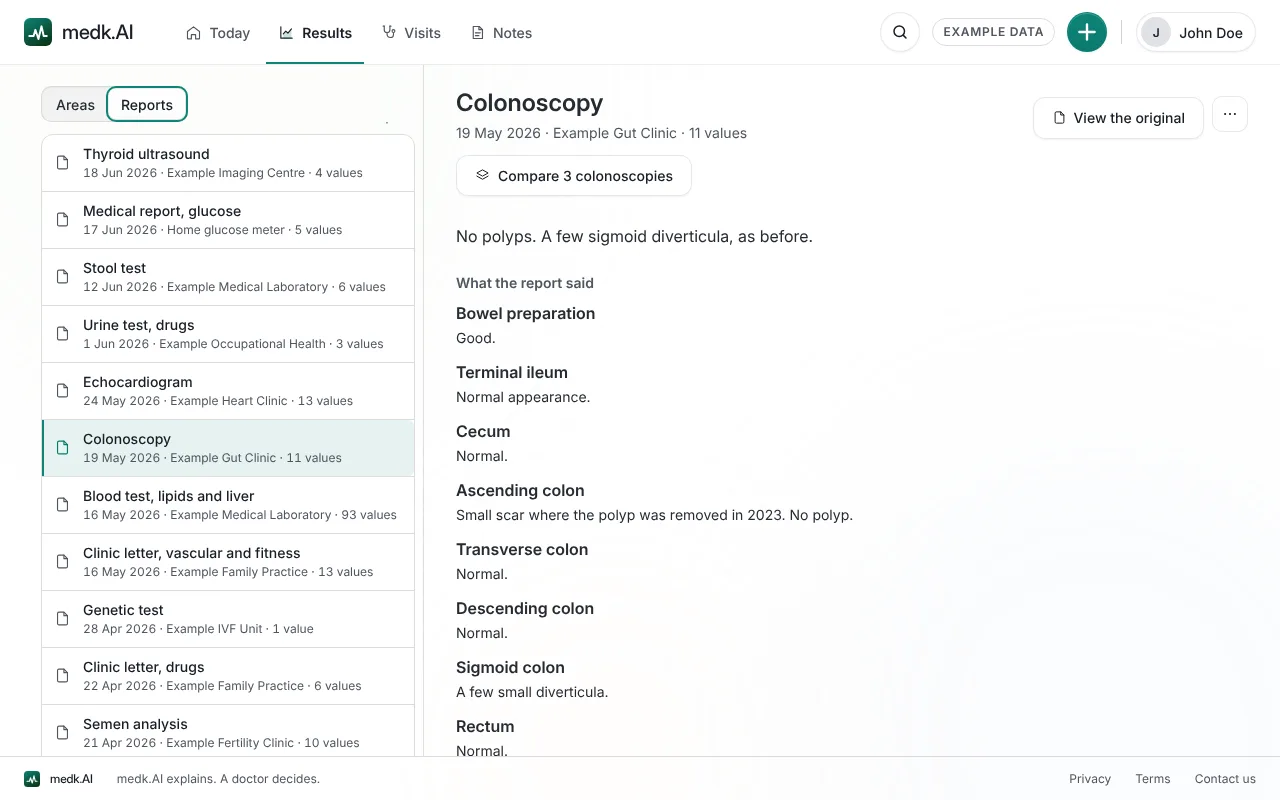
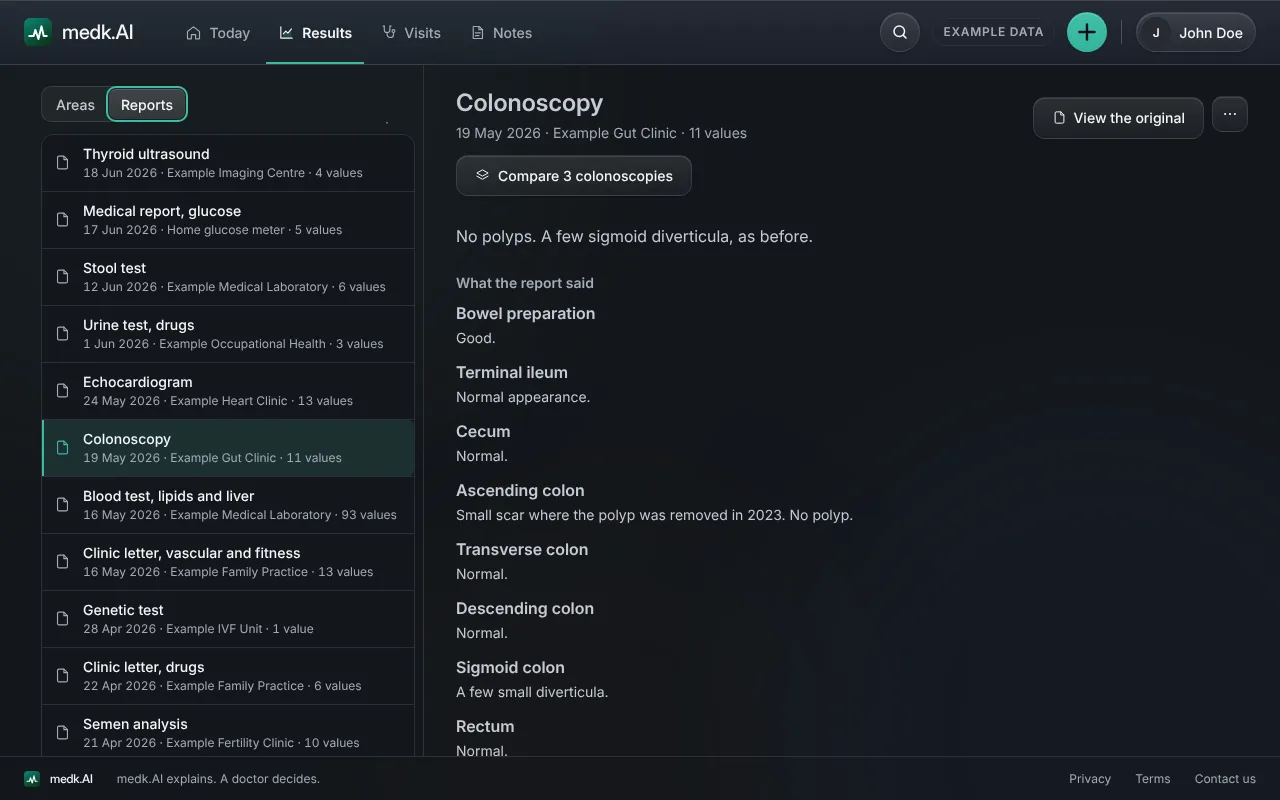
Reports
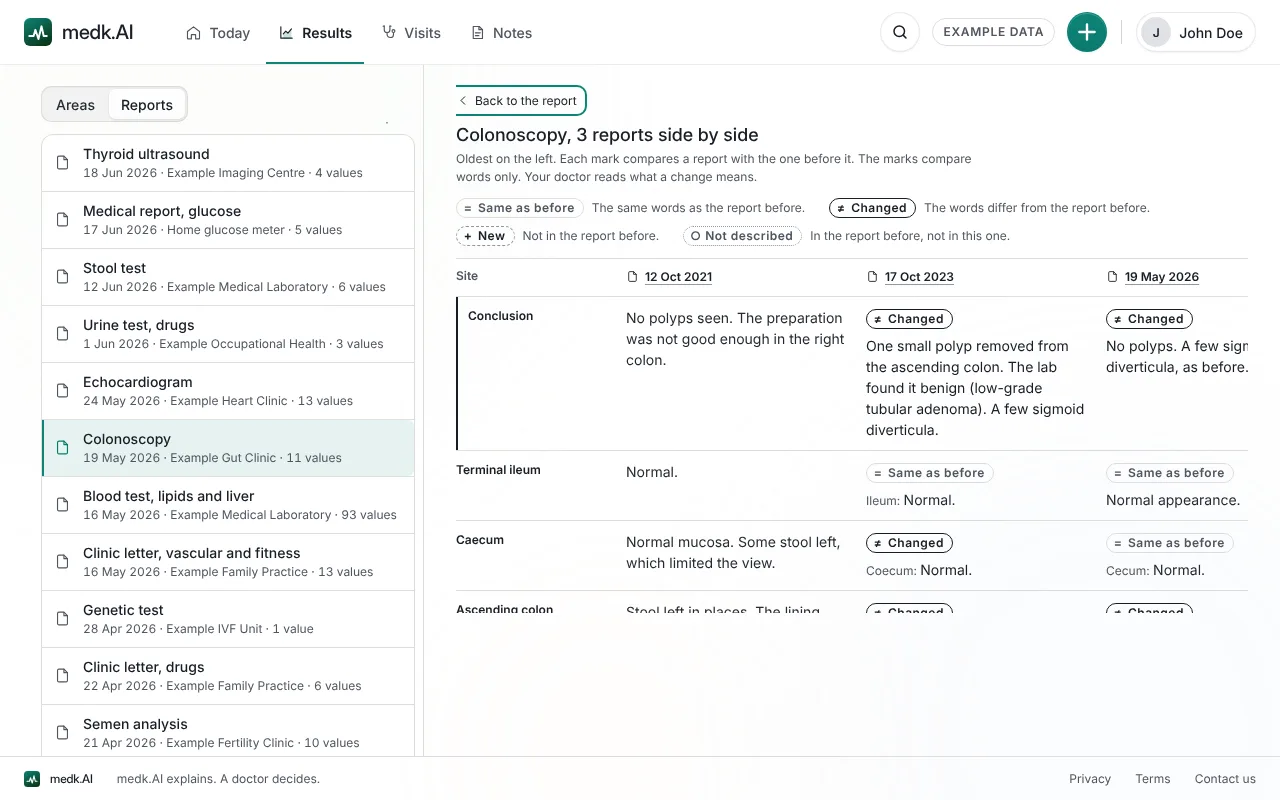
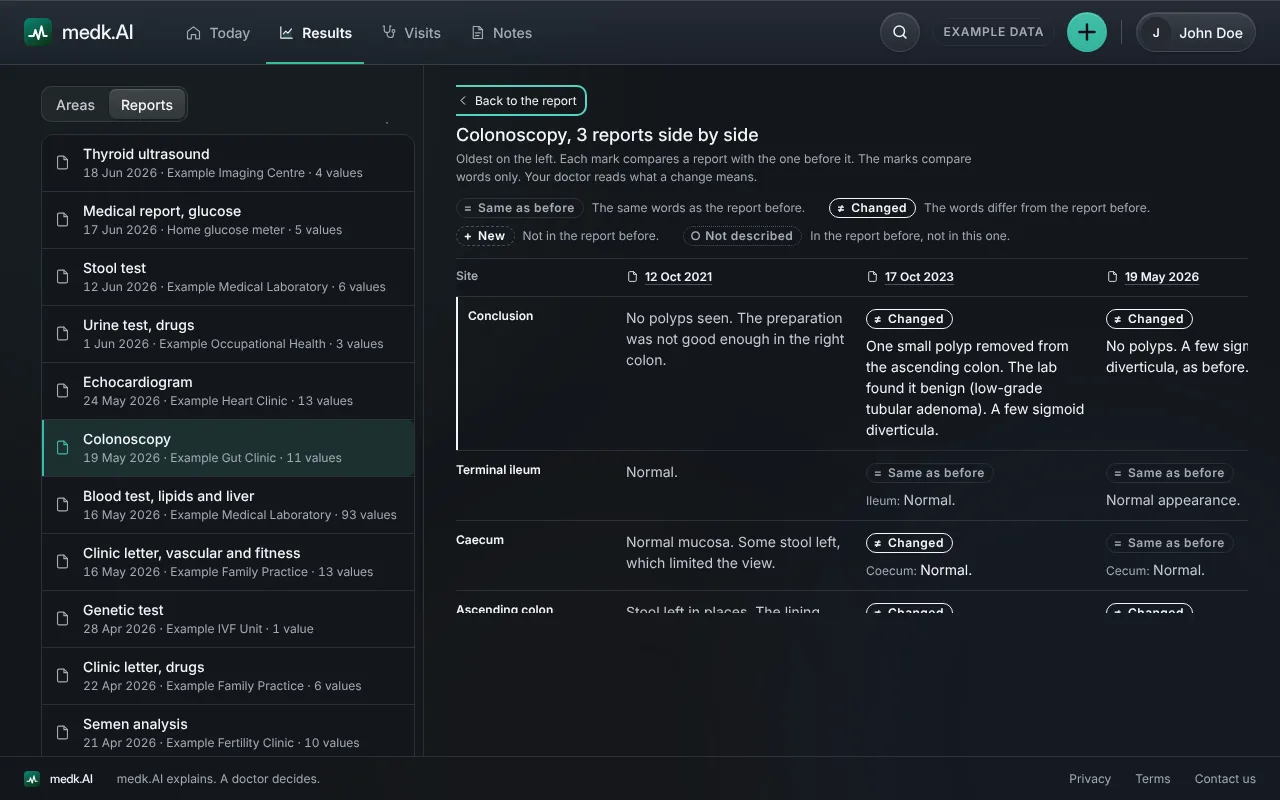
Compare
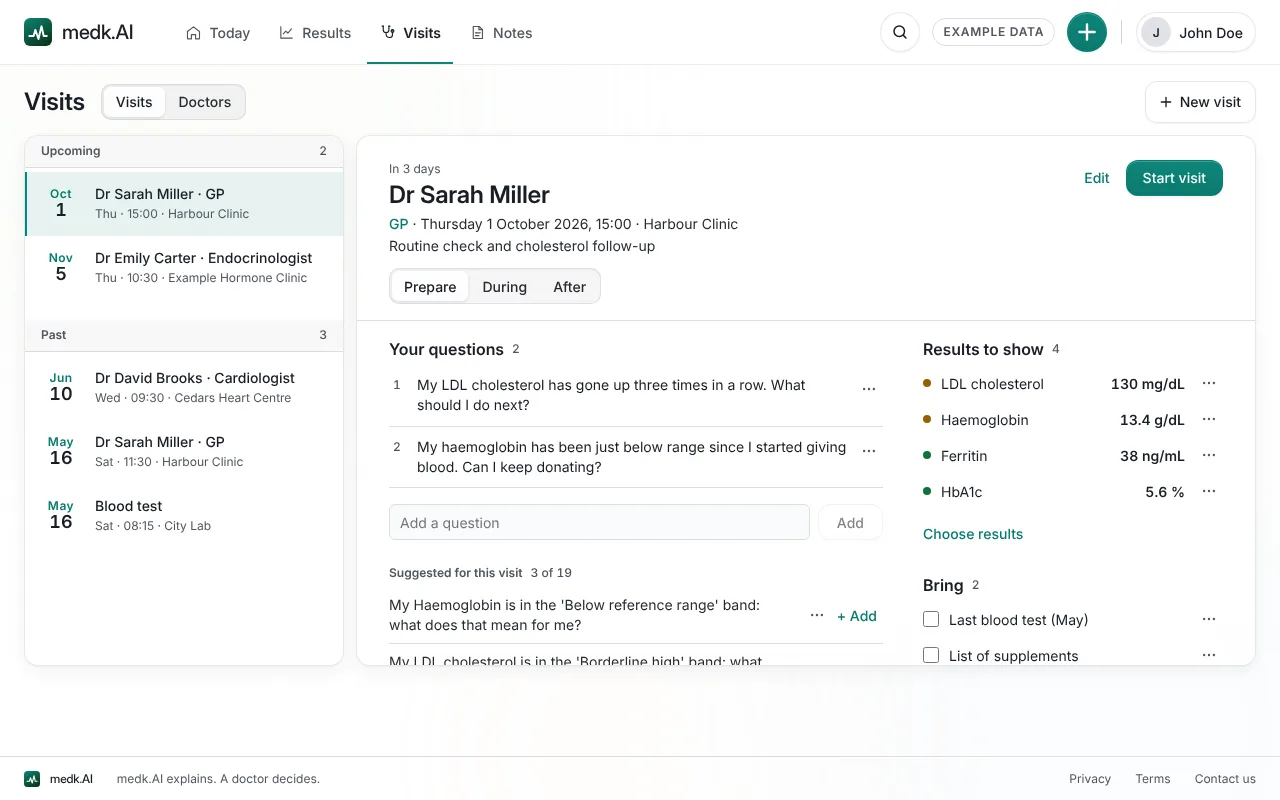
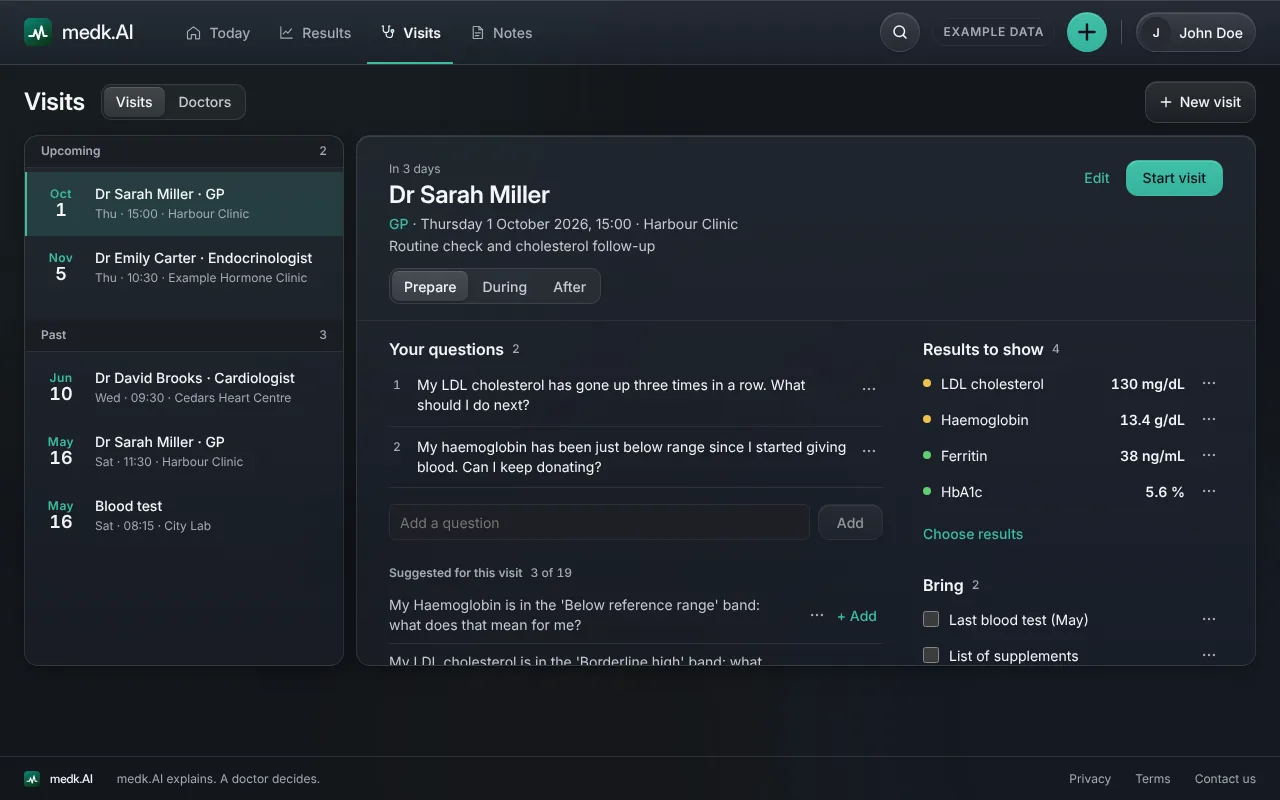
Visits
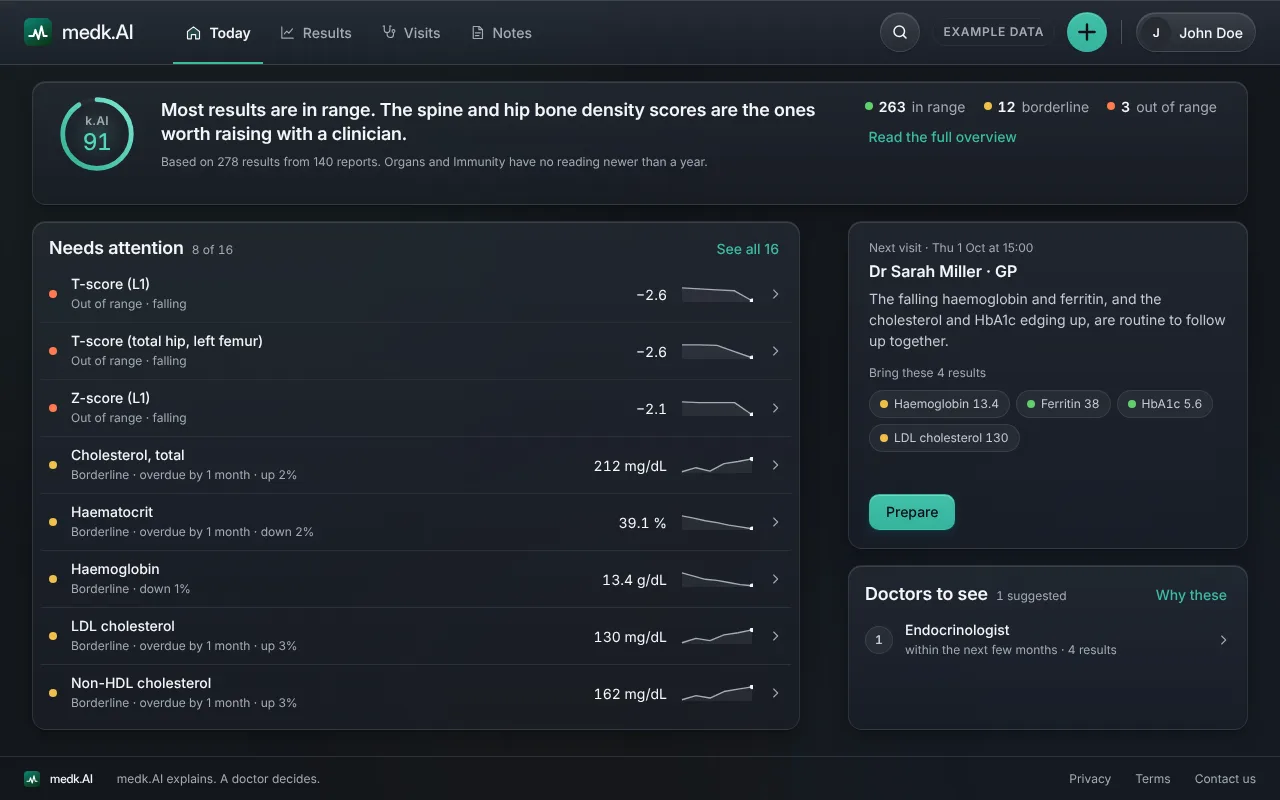
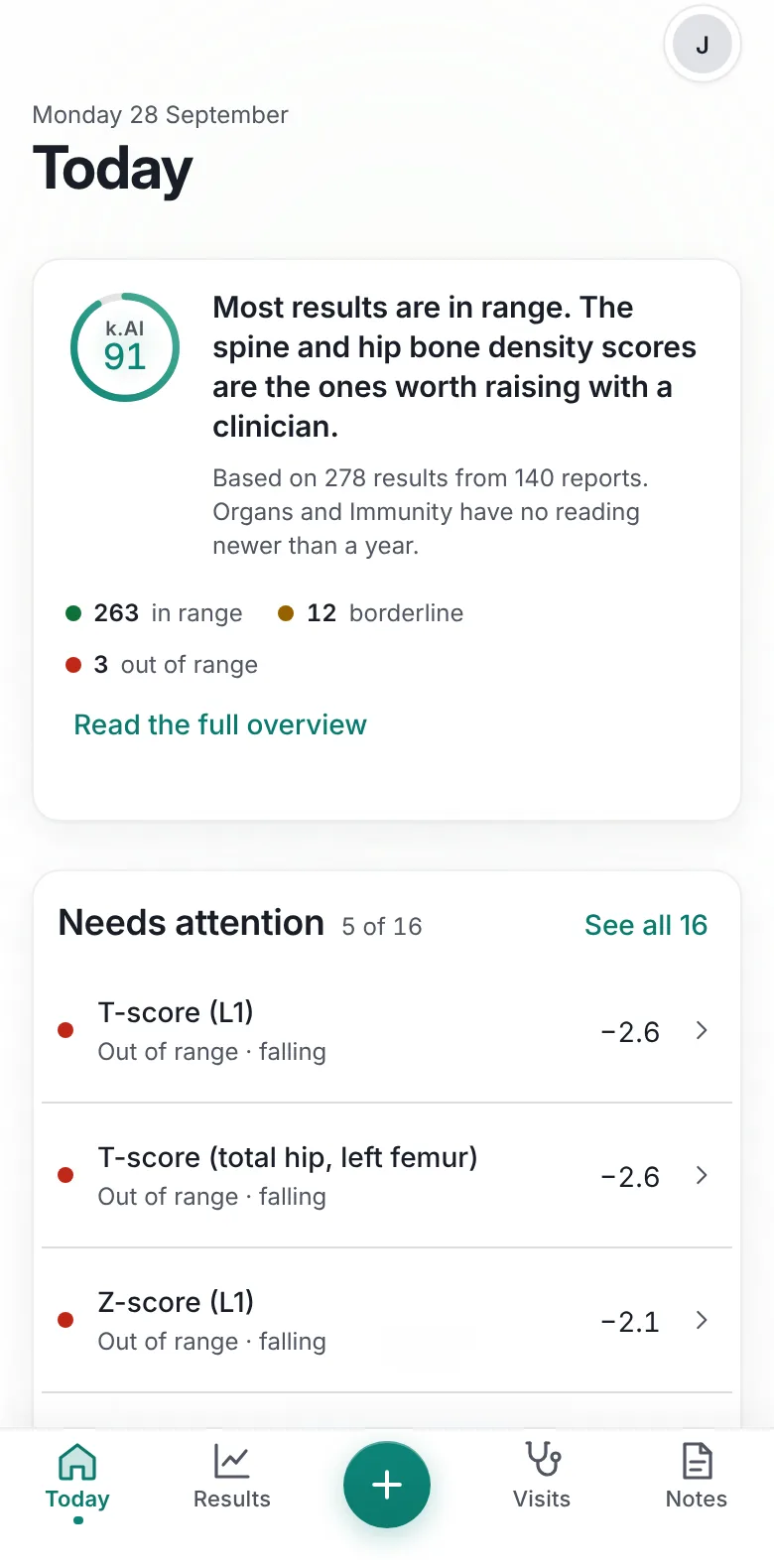
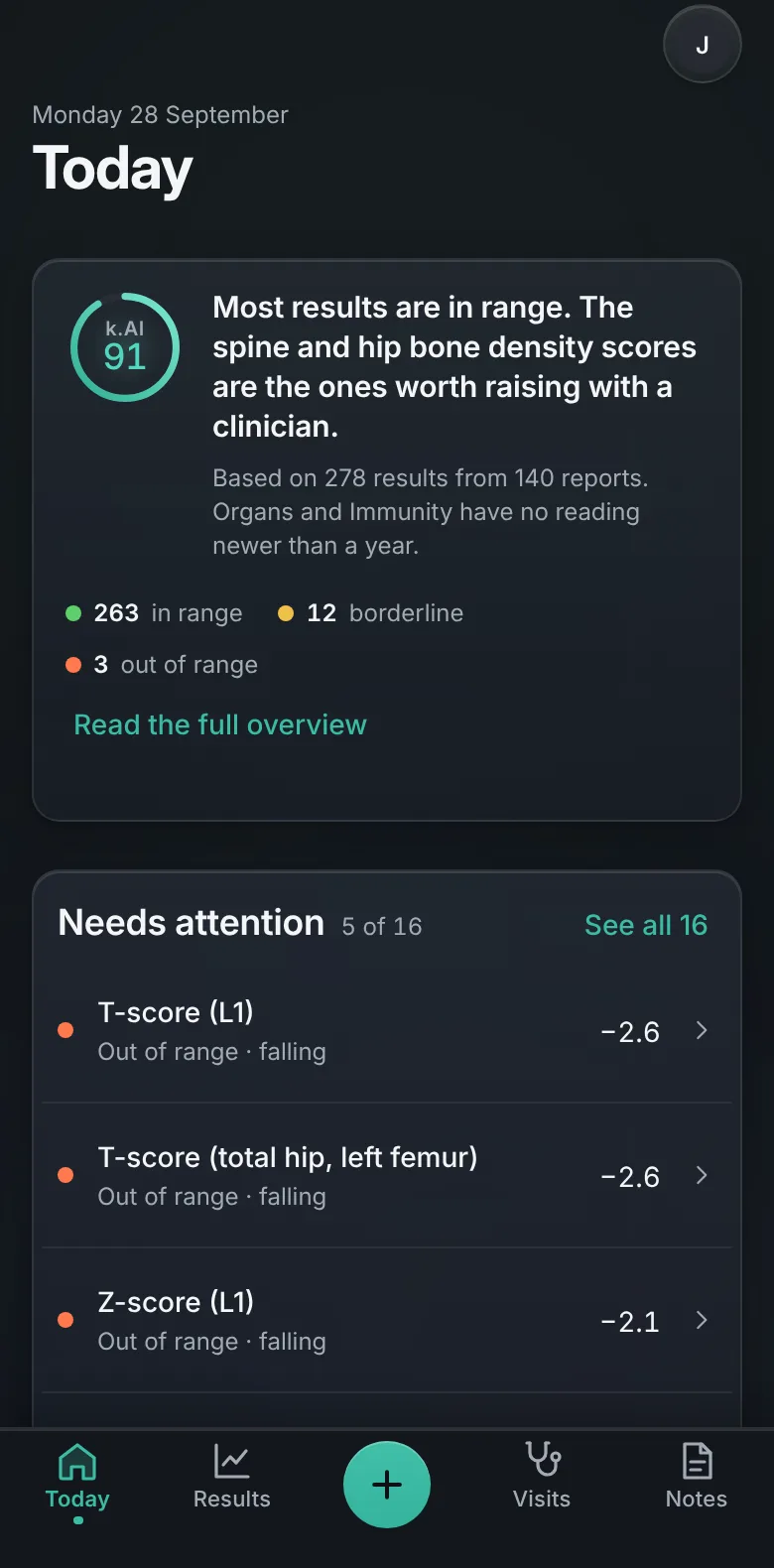
One sentence on your results, a k.AI score, and only the results that need attention.
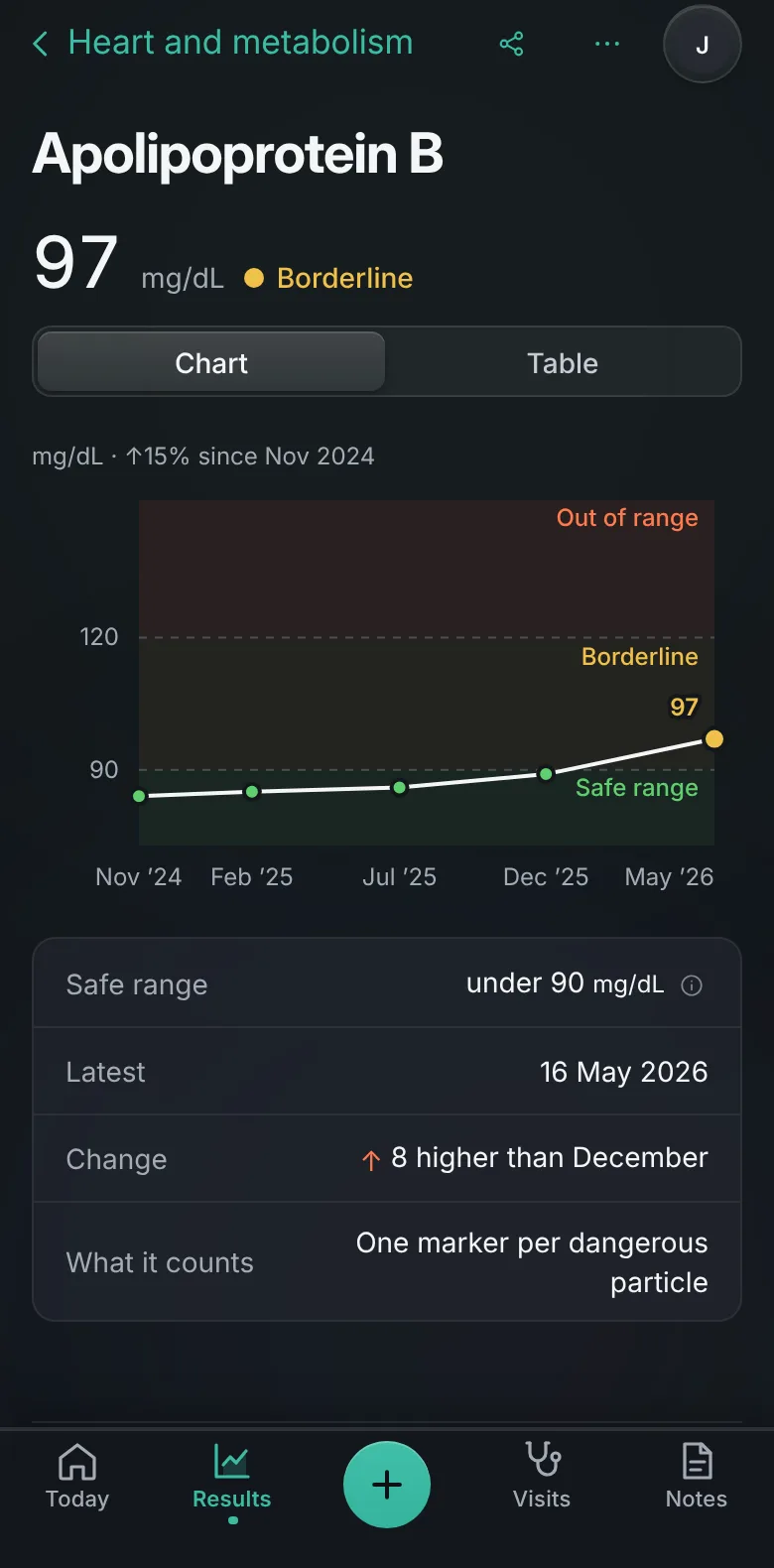
Each value on a chart against the safe range your own report printed, grouped by area.
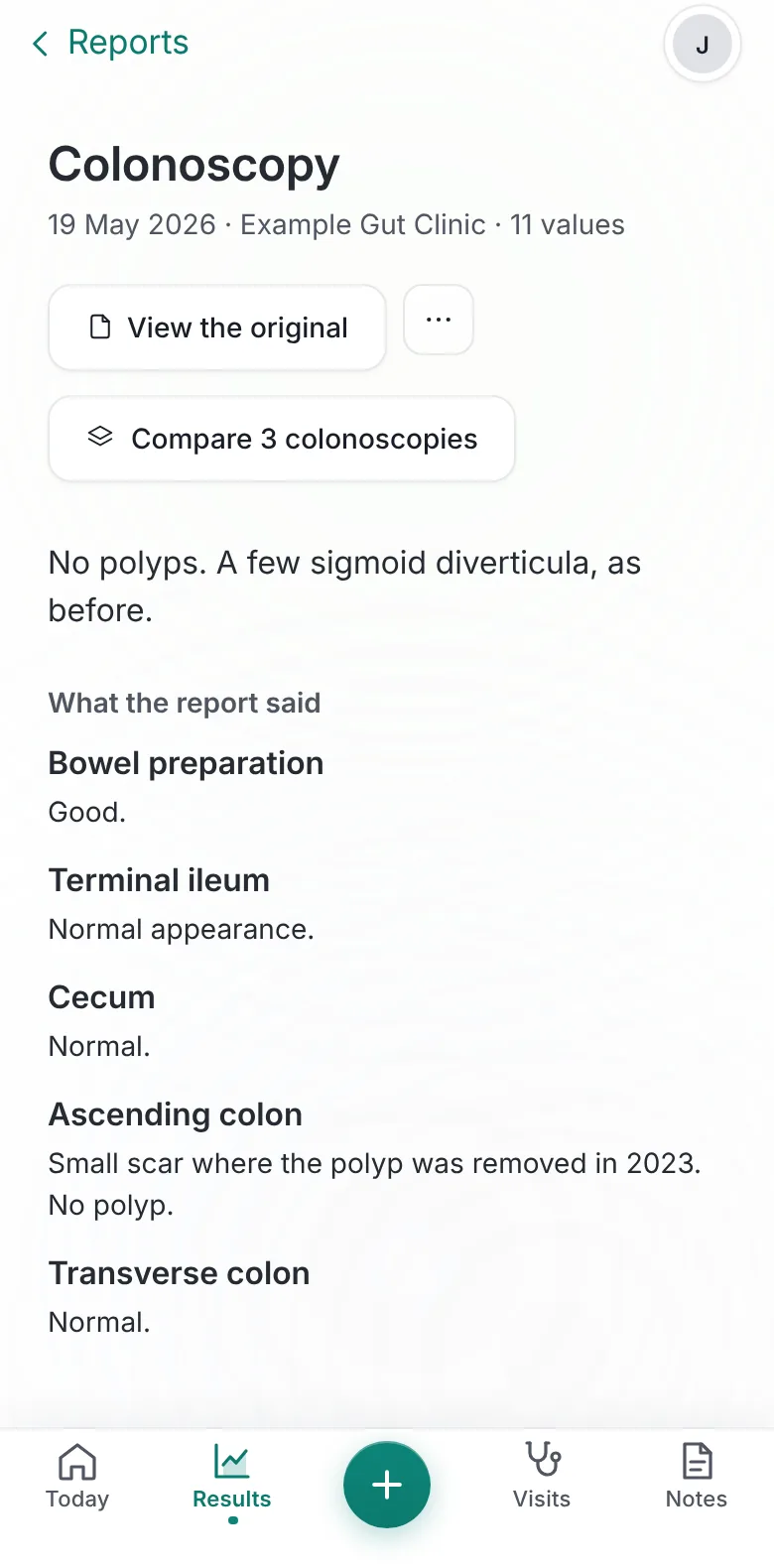
Each report opens with "In short", then what the report said, then its values.
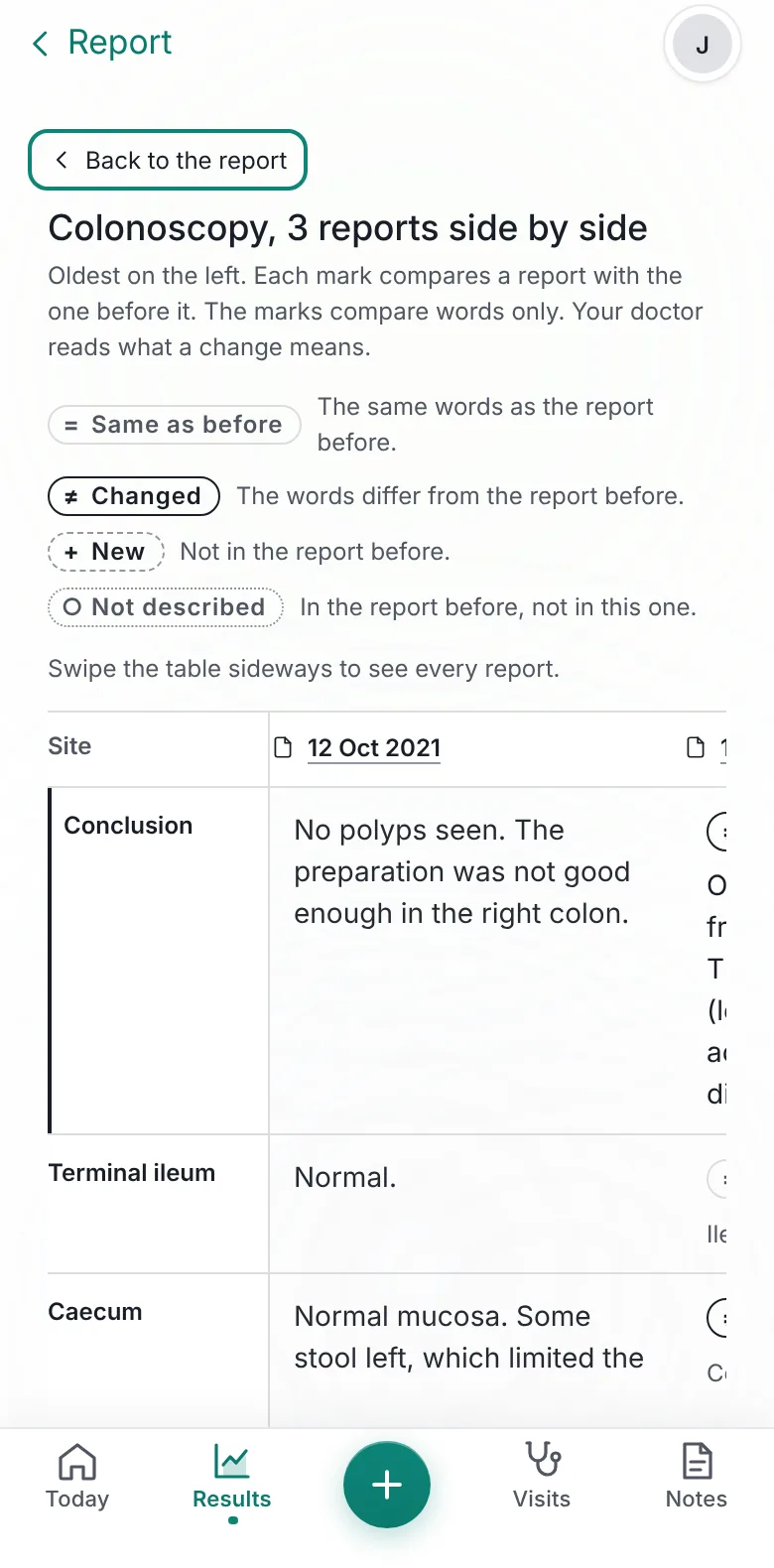
Put reports of the same kind side by side. Each part is marked as the same, changed or new.
Your questions, the results to show and what to bring, for each visit.
Today
One sentence on your results, a k.AI score, and only the results that need attention.
Results
Each value on a chart against the safe range your own report printed, grouped by area.

Reports
Each report opens with "In short", then what the report said, then its values.
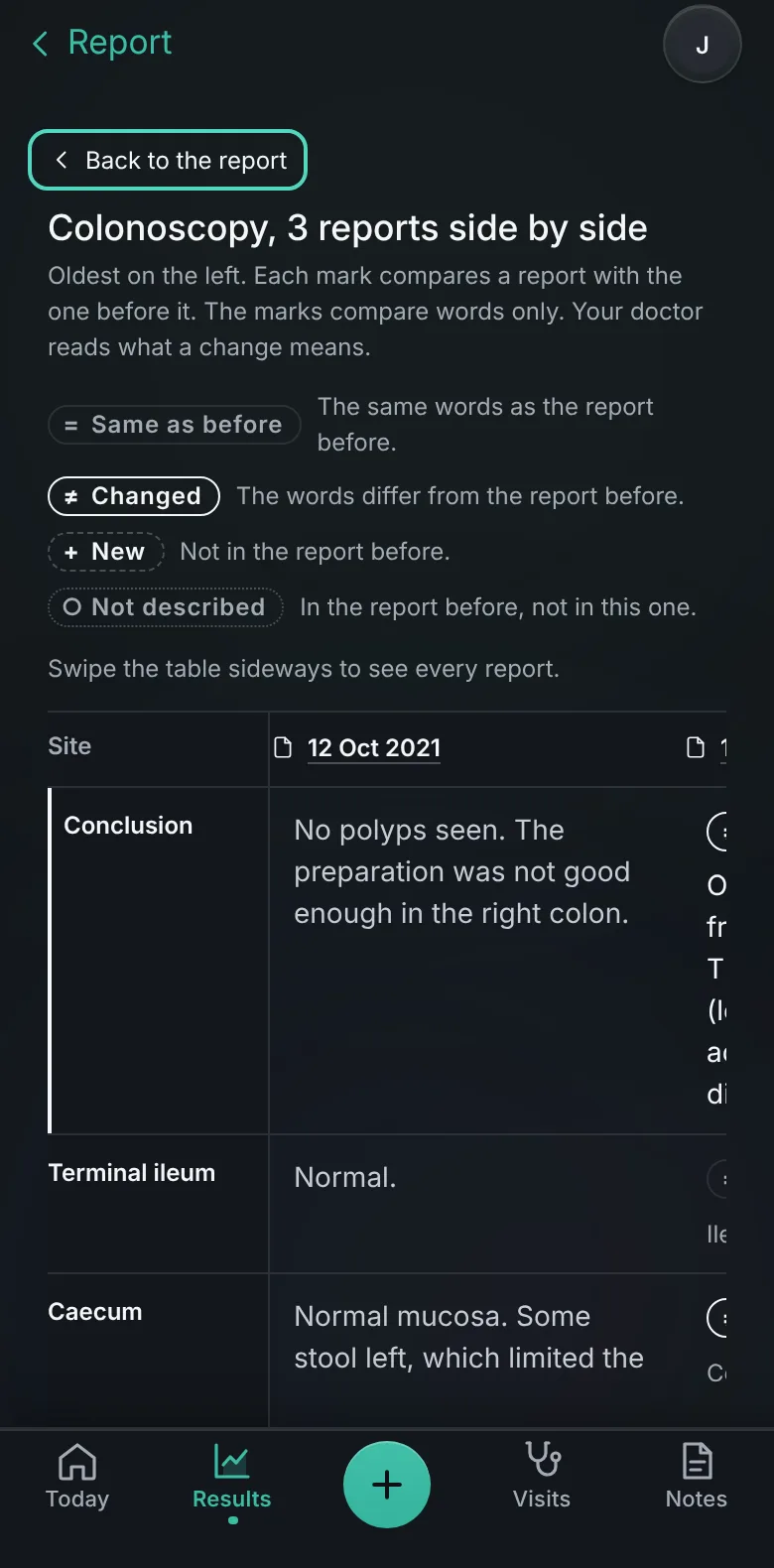
Compare
Put reports of the same kind side by side. Each part is marked as the same, changed or new.
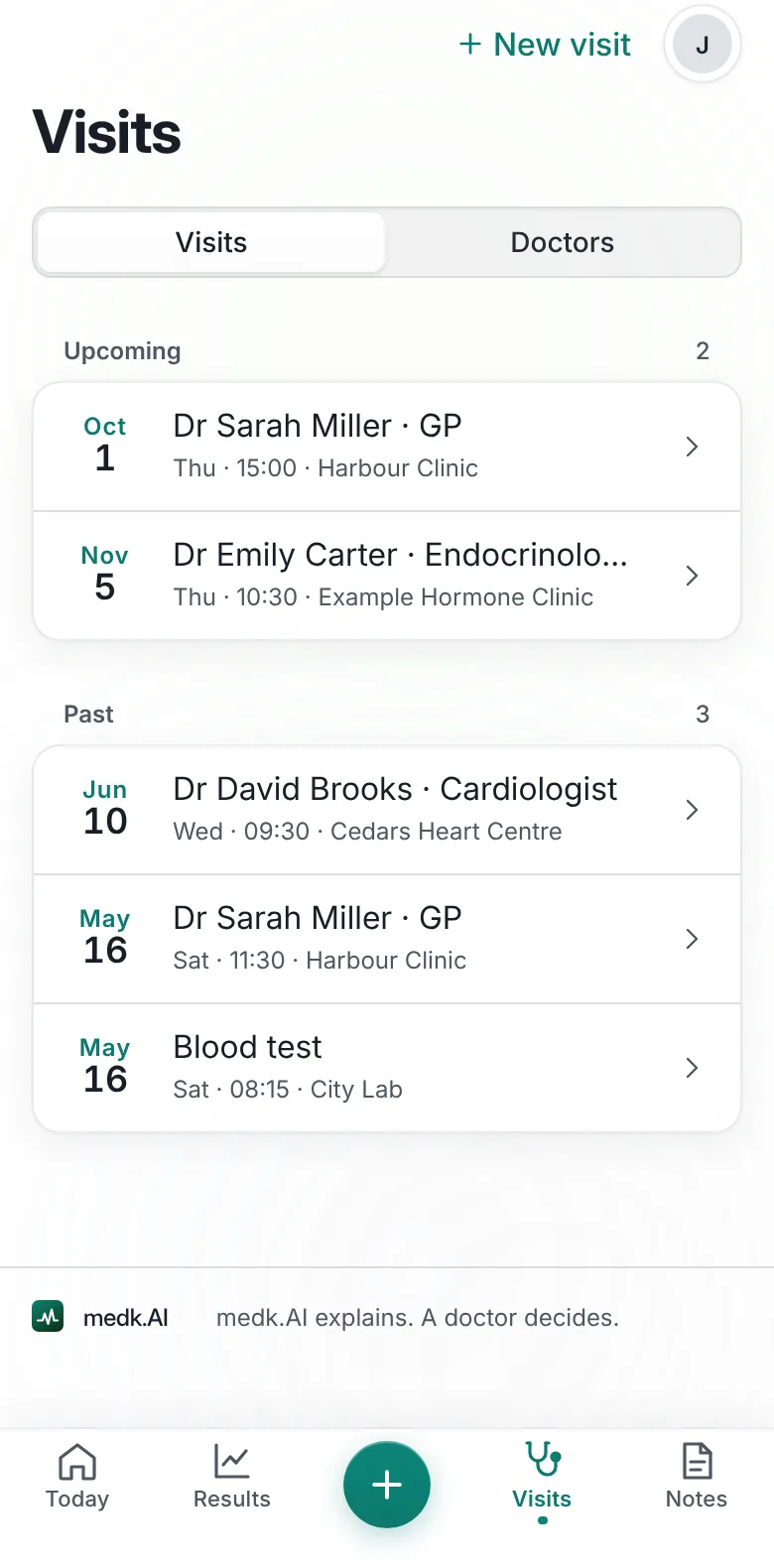
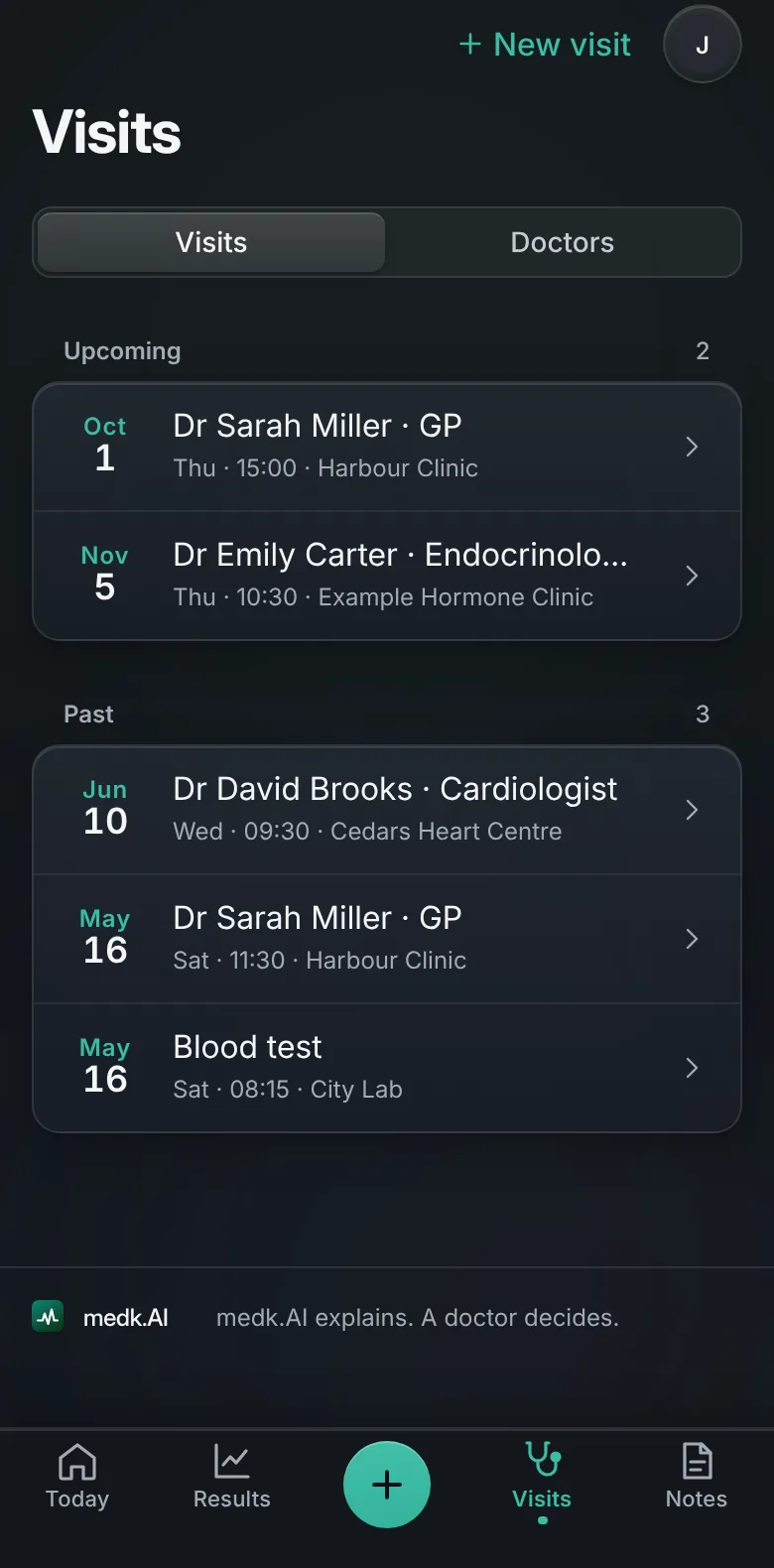
Visits
Your questions, the results to show and what to bring, for each visit.
Up to four people on Family, or ten on Max, each with their own dashboard, switched at the top of the page.
Write or speak a note, or log a symptom. Notes sit beside your results and feed your visit questions.
The same account on any screen. Sign in with Google or with a link sent to your email.
How it works
Upload PDFs, photos, Word files or portal print-outs.
Every value with its unit, its date and the safe range your report prints.
Today, Results and Reports update, each value linked to its page.
Privacy
Your reports are yours. These are the rules the app is built on.
Every request must prove it is you.
Your files live where only your account can open them.
One click removes your files, results and readings.
Your data is not shared with anyone.
Plans
$9a month
Billed $108 a year
$19a month
Billed $228 a year
$39a month
Billed $468 a year
A report page is one page of a PDF or one photo. Prices exclude VAT and sales tax, added at checkout where you are. Cancel anytime.
Questions
PDF files, photos of paper results, Word files, and text files. Hospital portal print-outs work too, including the wide tables where every column is a different date.
No. medk.AI reads and organises your own reports and explains what results can mean. It never diagnoses and never prescribes. A doctor decides what your results mean for you, so always talk to one.
No. Reports arrive in many languages, and everything comes back to you in plain English, with the original wording kept alongside so you can always find the line on your own report.
Most reports print a range beside each value, and medk.AI uses the one your report printed. For some results, such as cholesterol, a medical guideline sets the bands instead. When a report prints no range, medk.AI uses a published reference range and shows where it comes from.
Up to two plain sentences at the top of every report, saying what it found. Under them come what the report said and the values it gave. When nothing in a report can be judged, In short says so.
Yes. When you have two or more reports of the same kind, such as two colonoscopies, a report offers Compare. The reports sit side by side, oldest on the left, and each part is marked as the same, changed or new. Your doctor reads what a change means.
Before a visit, Visits gathers questions suggested from your own results and notes, the results to show and what to bring. During the visit you can show your results and take notes, and afterwards it keeps a summary. You can share the plan as a PDF.
Yes. The Family plan covers up to four people in one account, and Max covers up to ten. Each person has their own dashboard, and you switch between them at the top of the page. For anyone under 18, the account holder confirms parental responsibility when adding them.
They stay in a private folder only your account can open, and every value shown on your dashboard links back to the original page it came from. Delete everything in one click whenever you choose.
Yes. medk.AI works in the browser on any phone, tablet or laptop, with the same account on each. Sign in with Google or with a link sent to your email.
A Single plan takes 300 pages of reports every month, Family 750, and Max 1,500, with 30 files per person, each up to 50 pages.
In the app, open Settings and choose Change card or cancel. Your plan stays on until the end of the period you have paid for, and nothing more is charged.